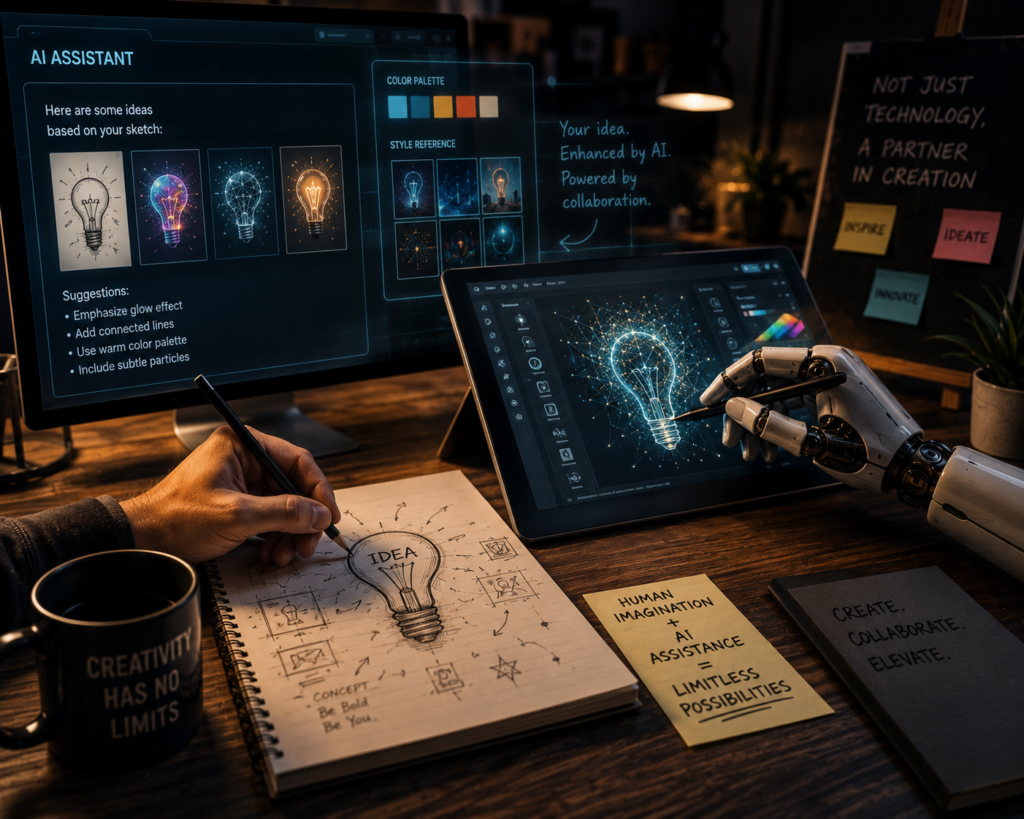
An AI clone is a digital version of a person created using artificial intelligence. It can copy someone’s voice, face, writing style, or personality to communicate like them online. AI clones are used in customer service, content creation, education, marketing, and entertainment. For example, a business owner can create an AI clone to answer customer questions 24/7 without being present. Influencers and creators also use AI clones to make videos, voiceovers, and social media content faster. While AI clones save time and improve productivity, they also raise concerns about privacy, identity theft, and misinformation. Responsible use and clear consent are very important in AI cloning technology.
Faceless AI in the other hand is a style of content creation where artificial intelligence helps people make videos, blogs, voiceovers, or social media content without showing their face. Many creators use faceless AI tools to generate scripts, edit videos, create animations, and produce realistic AI voices. It is popular among beginners who want to build online businesses while staying private or camera-shy. Faceless AI is commonly used for YouTube automation, storytelling channels, motivational videos, tutorials, and TikTok content. The biggest advantage is speed and convenience because AI reduces editing time and production stress. However, creators still need originality, creativity, and consistency to stand out from growing competition online.
AI clones and faceless content work closely together in modern digital creation. A faceless creator can use an AI clone to represent their voice, personality, or appearance without showing their real face online. For example, an AI clone can speak in videos, answer customer questions, create voiceovers, or appear as a digital avatar while the creator remains anonymous. This helps content creators produce videos faster, maintain privacy, and stay consistent across platforms like YouTube, TikTok, and Instagram. Businesses also use AI clones for faceless marketing and customer support. Together, these technologies make online content creation easier, cheaper, scalable, and more accessible for beginners worldwide.
Here are some popular websites and tools that can create AI clones for voice, video, avatars, or digital personalities:
- HeyGen — Creates realistic AI avatars and talking clones from your video and voice. Great for faceless content and business videos.
- Synthesia — AI video avatar platform used for presentations, tutorials, and business content.
- ElevenLabs — Popular for AI voice cloning and realistic text-to-speech voices.
- D-ID — Turns photos into talking AI presenters and digital humans.
- Character.AI — Lets users create AI personalities and chat-based clones.
- Captions AI — Creates AI avatar videos and voice clones for creators and social media.
- DeepBrain AI — Generates AI human presenters and studio-style avatar videos.
- Colossyan — AI actor generator for training and faceless educational content.
- Replika — AI companion app that learns and imitates conversational personality styles.
- Descript — Offers voice cloning and AI podcast/video editing tools.
Simple Tutorial: How to Use HeyGen for AI Clone
What You Need
- A HeyGen account
- A clear video of yourself
- Good lighting
- Quiet background
- Your script or message
Create Your AI Clone
- Log in to HeyGen.
- Go to Avatar.
- Choose Instant Avatar.
- Record or upload a short video of yourself.
- Make sure your face is clear and your voice is easy to hear.
- Record the consent video if HeyGen asks for it.
- Wait for HeyGen to create your AI clone.
Make a Video
- Open your created avatar.
- Type or paste your script.
- Choose the voice you want to use.
- Select the language.
- Preview the video.
- Click Generate.
Download and Use
- Check the final video.
- Download it.
- Use it for TikTok, YouTube, Instagram, adverts, tutorials, or business content.